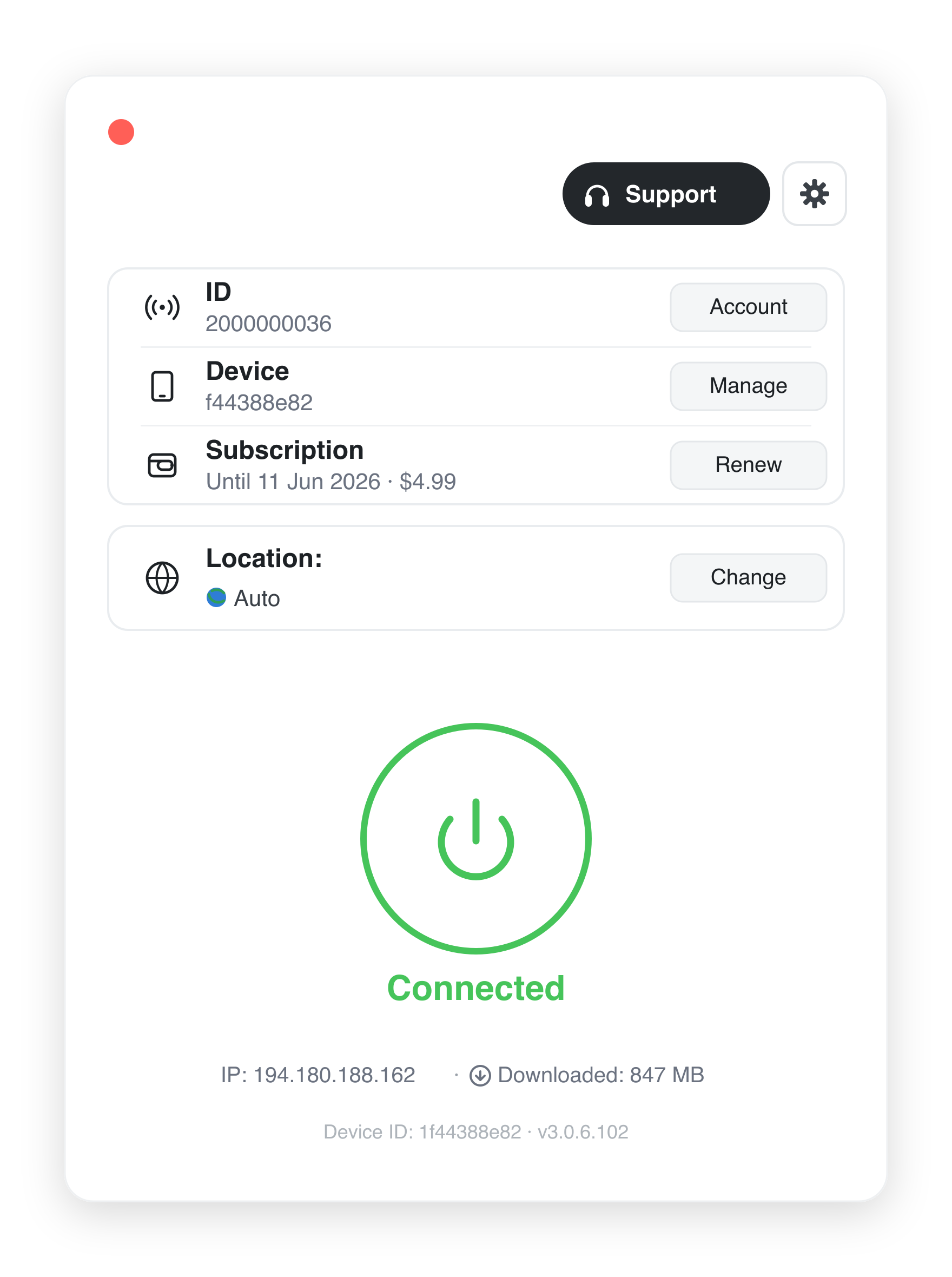
Download AirLink

Choose your platform. Windows and Android builds are distributed directly with published SHA-256 checksums; iOS and macOS are available on the App Store.

Windows

  • System requirementsWindows 10 / 11 (64-bit)
  • Version3.0.6
  • File size30.8 MB
  • Released2025-03-30
Download for Windows (.exe)
SHA-256 · AIRLinkVPN-Setup-x64.exe ac91267fdfee275a267e858493a9a03cd7fd0397c0b541ee7b8ac74bf6c16d0b

macOS

  • System requirementsmacOS 12 Monterey or later
  • DistributionMac App Store
View on the App Store

Distributed and updated through Apple's App Store, where the build is reviewed and signed by Apple.

Android

  • System requirementsAndroid 8.0 or later
  • Version3.0.6
  • File size272 MB
  • Released2025-03-27
Download for Android (.apk)
SHA-256 · AIRLink.apk c38bbac170da5cfa71ec516f31bd7b14a63e2b7e10d67f82e90bb882bceaf3c3

iOS

  • System requirementsiOS 15 or later
  • DistributionApp Store
Download on the App Store

Distributed and updated through Apple's App Store, where the build is reviewed and signed by Apple.

Verify your download

For the builds we distribute directly — Windows and Android — we publish the SHA-256 checksum above. After downloading, compute the hash of the file on your device and compare it with the value listed here; if the values match, the file has not been altered. The iOS and macOS apps are distributed through Apple's App Store, where Apple reviews and signs each build. Step-by-step verification instructions are on the Support page, and a dedicated page for security teams is at Security & verification.

Code signing

All Windows builds carry an Authenticode digital signature; Windows displays the publisher as AIRLink. AirLink is operated by PT Global Megah Mandiri (see About). New signed applications may briefly show a Windows SmartScreen prompt while they build reputation — this is expected behaviour for newly released software. See Why does Windows show a security warning? for details.

Need help installing? Read the installation guide →